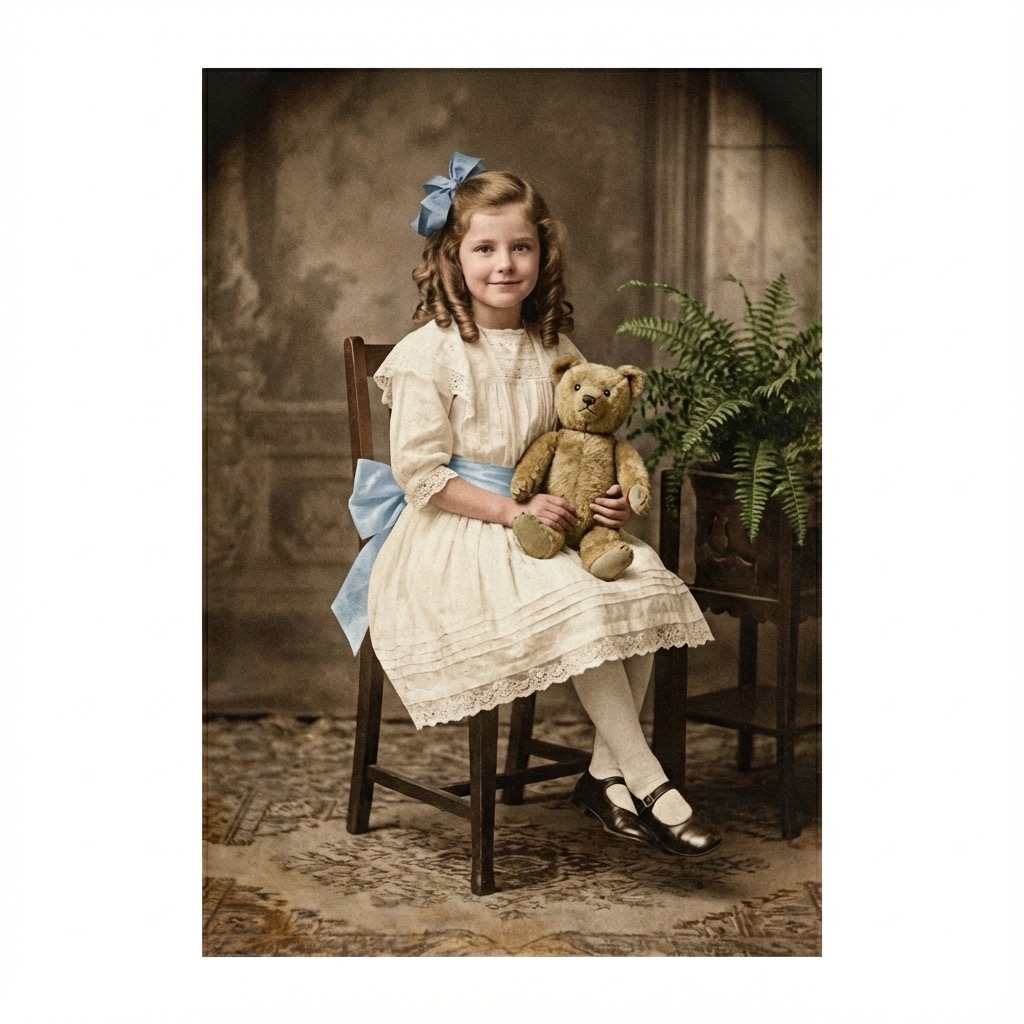
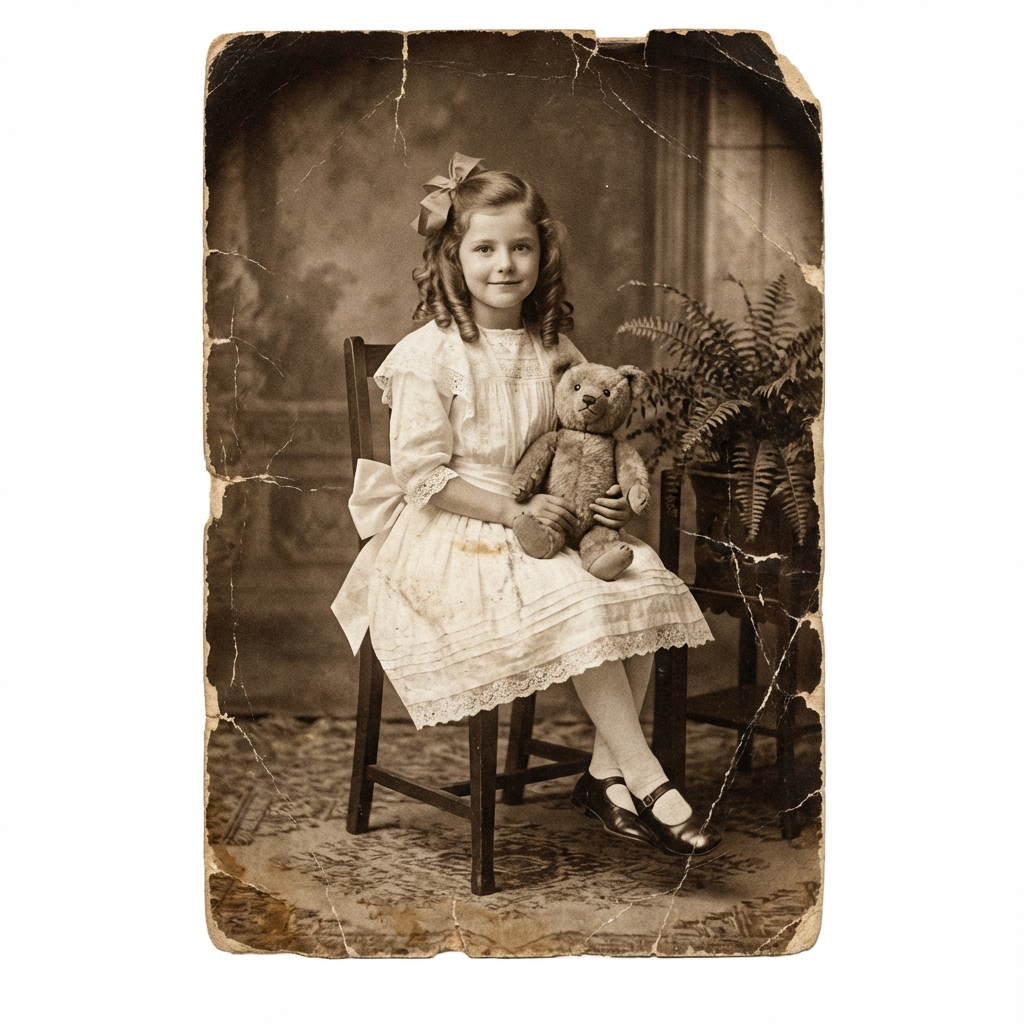
Vintage Photo Restoration — Color Your Family's History
Those faded sepia prints in your family album hold irreplaceable moments. TintBack's AI transforms vintage photos into vivid, full-color images — preserving the memory while revealing details you have never seen before.
Start with Two Free Photos No credit card requiredRestore Faded Photos to Their Original Glory
Vintage photos come in many forms — sepia-toned portraits, faded black and white snapshots, yellowed prints from decades past. Regardless of how time has treated your photos, TintBack's AI can see through the fading and discoloration to restore them with full, natural color.
Whether it is a grandparent's wedding portrait from the 1940s or a childhood snapshot from the 1960s, our AI analyzes the underlying image content and applies colors that bring the moment back to life.
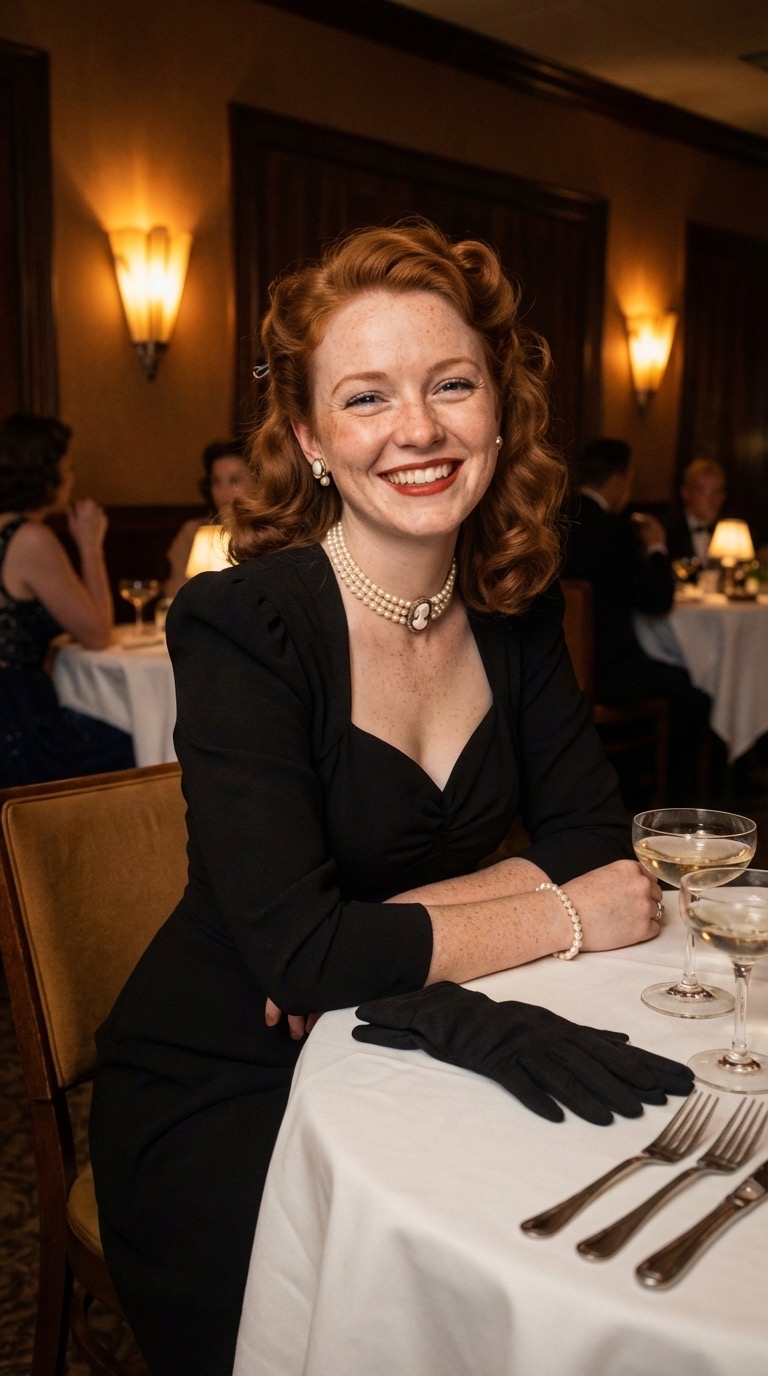
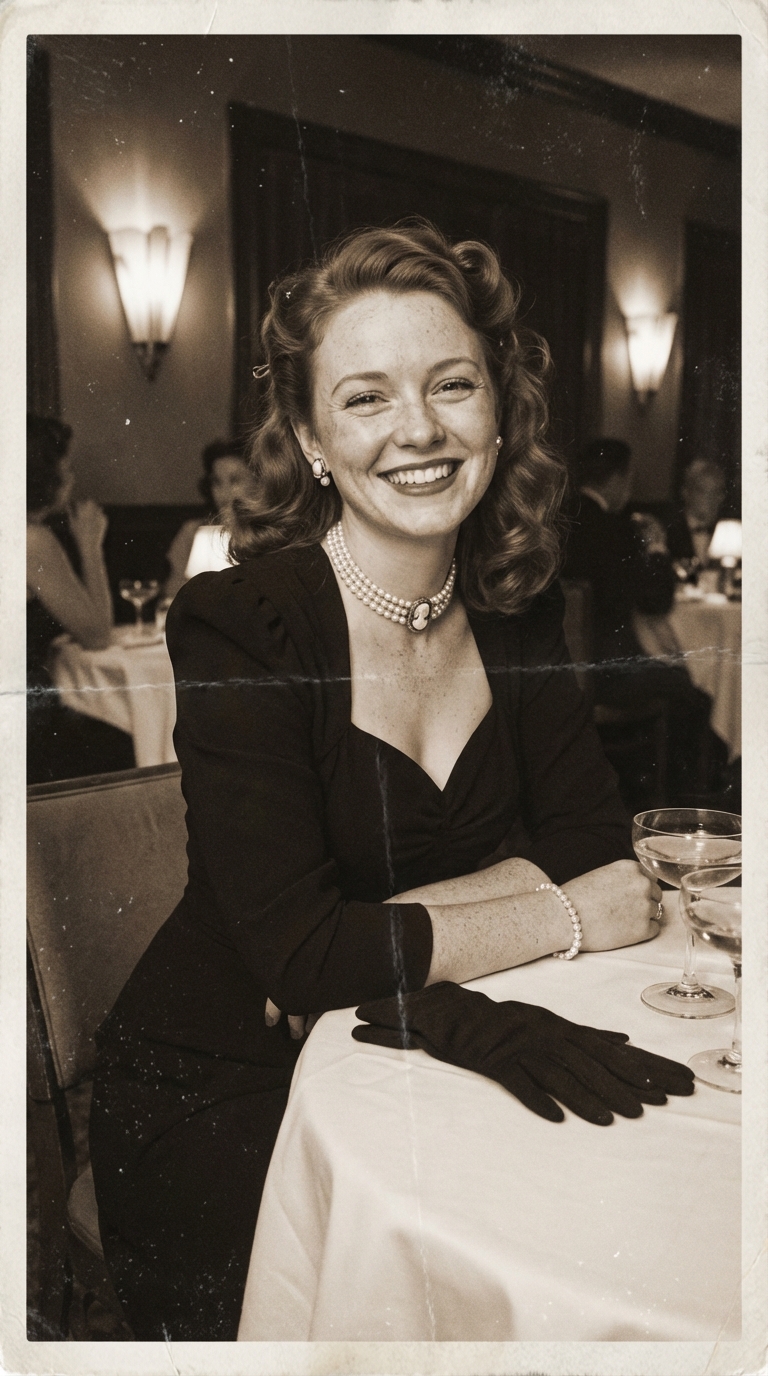
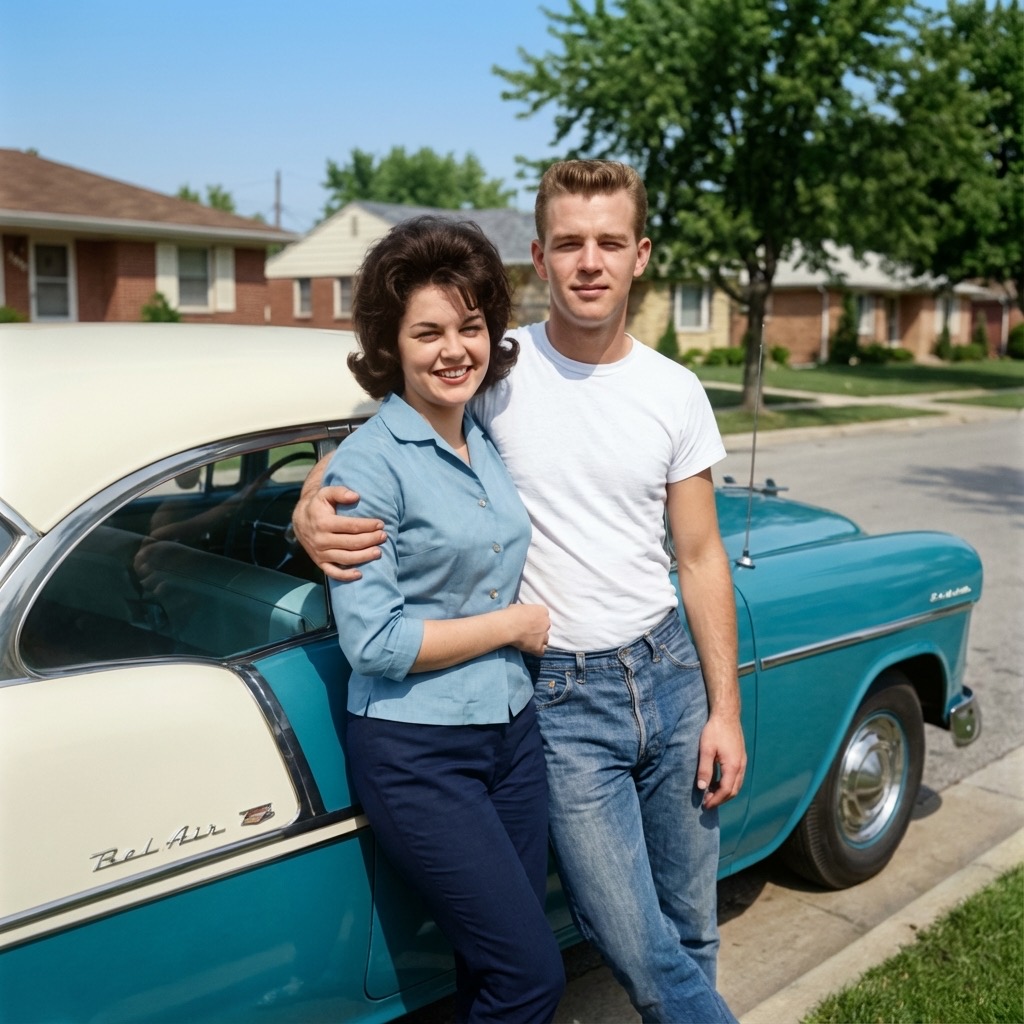
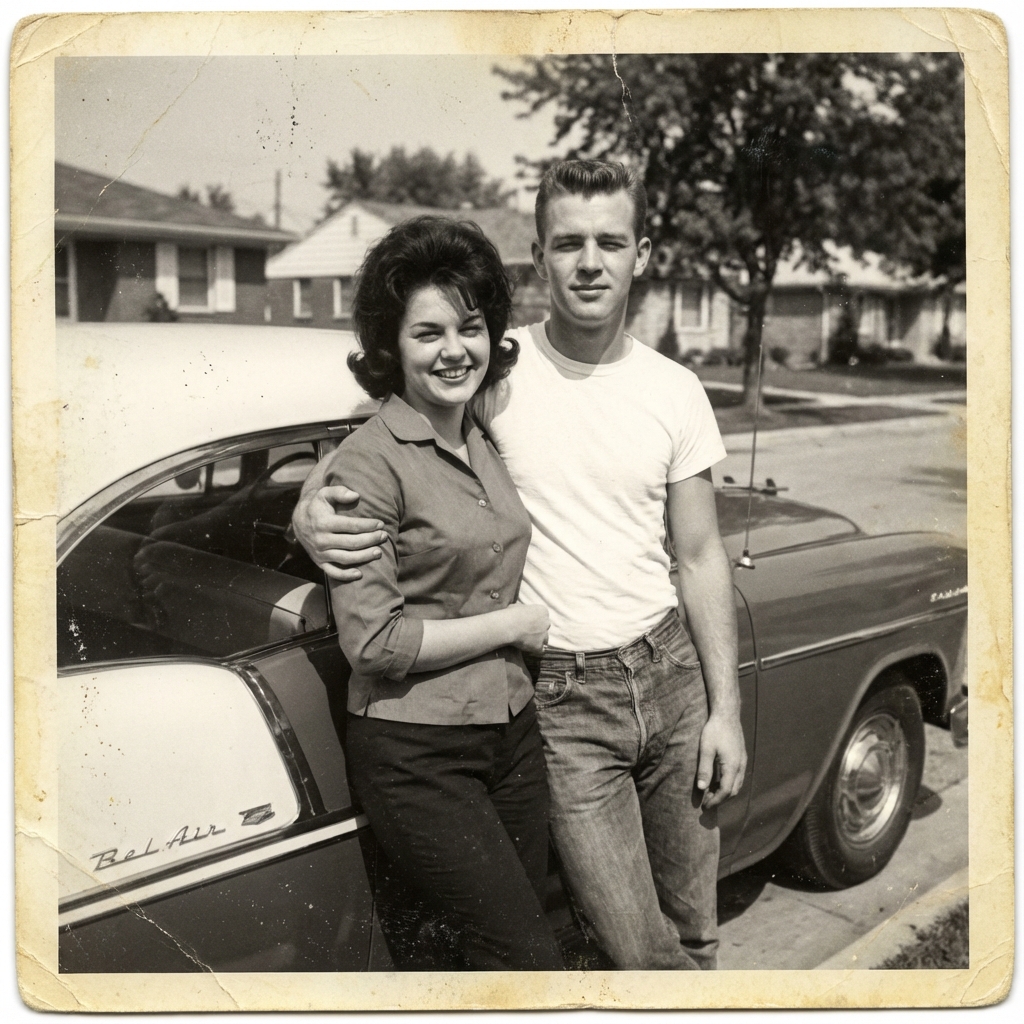
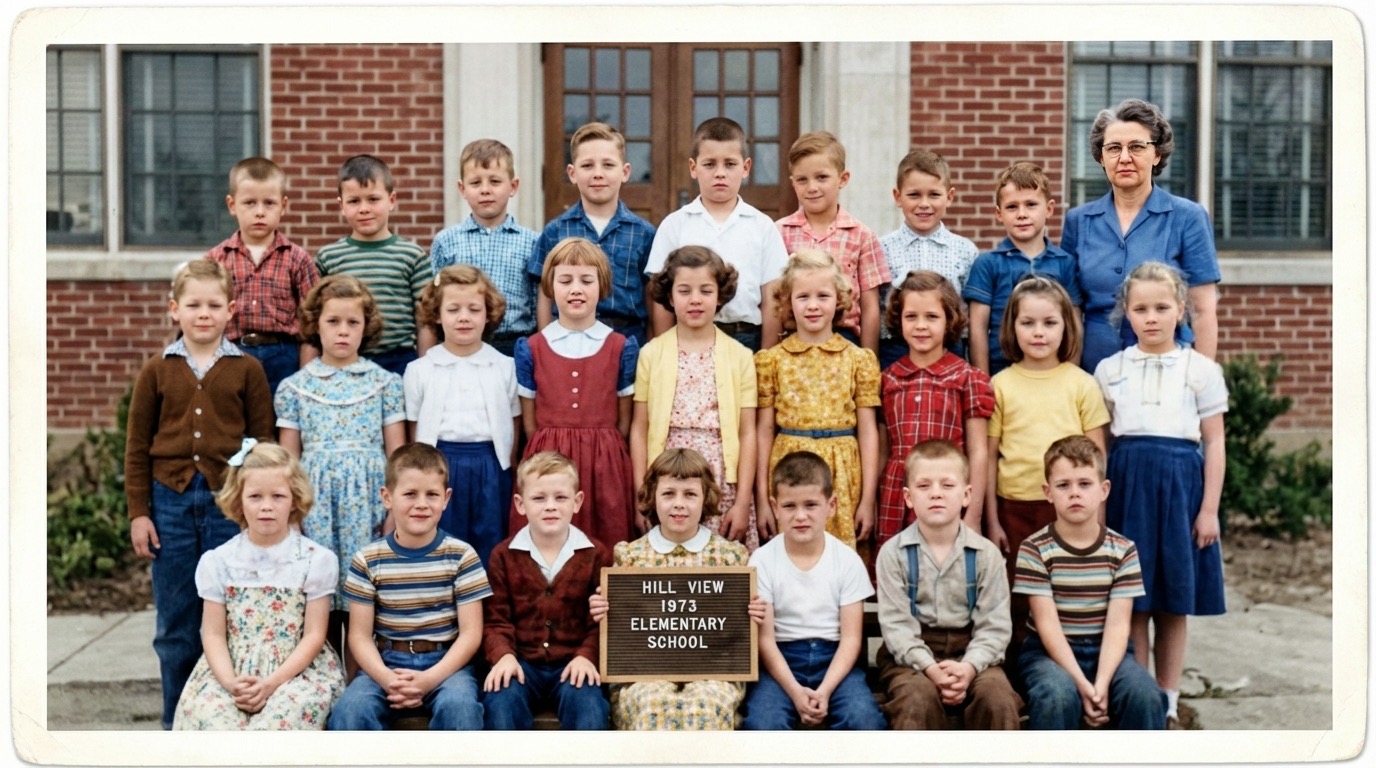
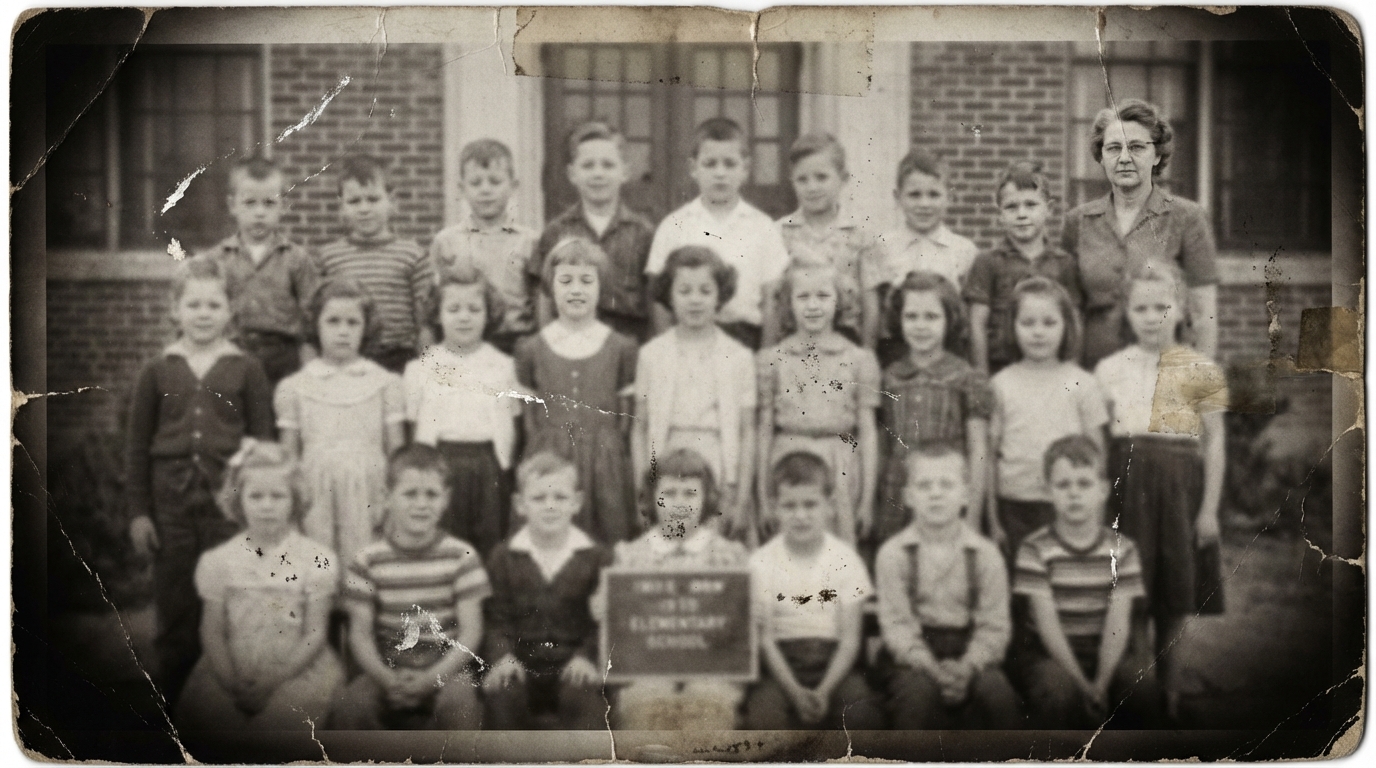

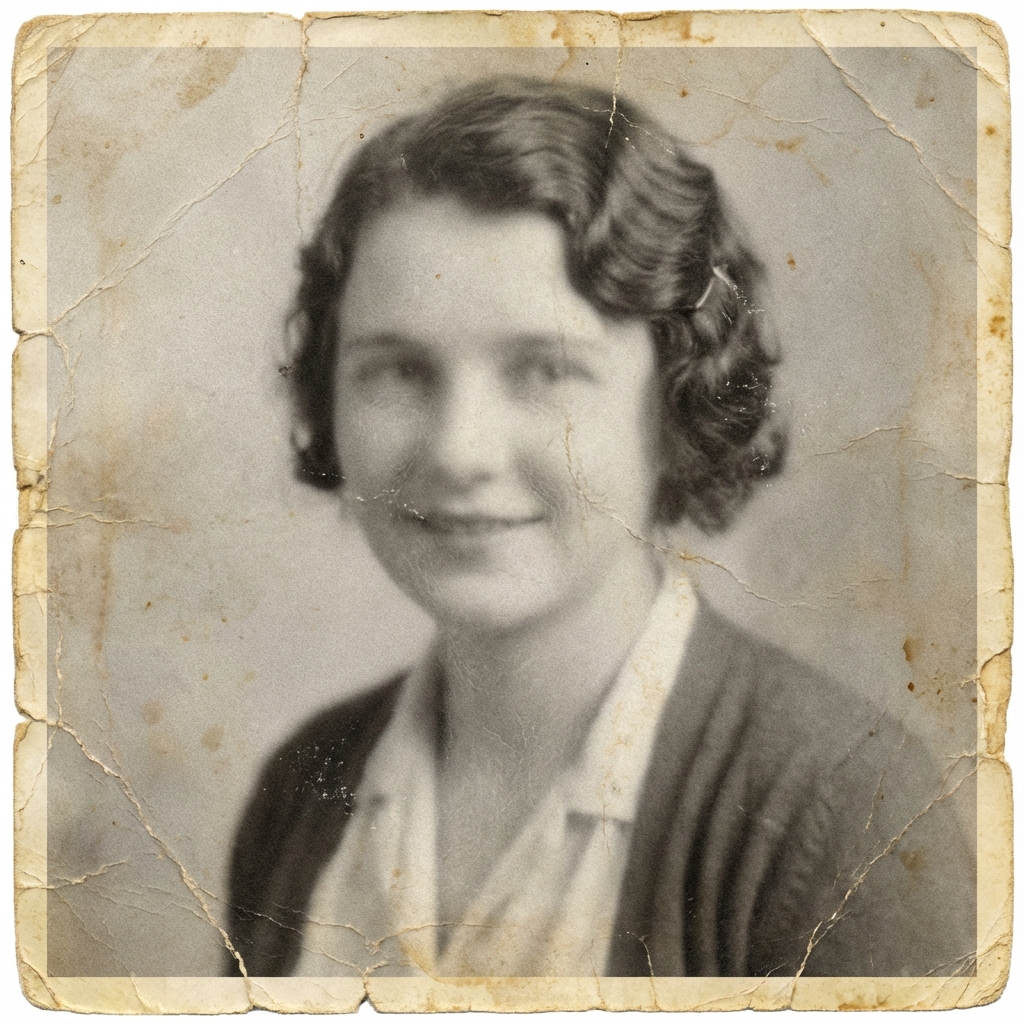
From Sepia to Full Color
Sepia toning was a common photographic process used from the late 1800s through the mid-1900s, giving photos their characteristic warm brown tone. While these photos have their own beauty, seeing them in full color reveals an entirely new dimension.
TintBack's AI handles sepia, faded, and yellowed photos the same way it handles true black and white — by focusing on the image content rather than the existing tones. The result is a natural, full-color image that feels authentic to the era it was taken.
Preserve Your Family Heritage
Every family has a box of old photos — a visual record of the people, places, and moments that shaped your history. Colorizing these photos does not just add color; it adds connection. A colorized photo of a great-grandparent feels more real, more present, more human.
TintBack makes it easy to preserve your family's visual heritage. Upload your vintage photos, let the AI work its magic, and share the colorized results with your family. These make meaningful gifts for reunions, anniversaries, and memorials.
How to Get the Best Results with Vintage Photos
- 1 Scan at high resolution. Use 300 DPI or higher when scanning printed photos. More detail gives the AI more to work with, producing better colorization.
- 2 Crop out damaged edges. If your print has torn or heavily damaged borders, crop them before uploading. The AI works best when it can focus on the actual image content.
- 3 Use upscale mode for prints. If you plan to print or frame your colorized photo, enable 4K upscale mode for a high-resolution output that looks sharp at large sizes.
- 4 Photograph in even light. If scanning is not an option, photograph your print in even, natural light without flash to avoid glare and shadows.
Vintage Photo Restoration FAQ
Can TintBack restore faded or yellowed photos?
How does AI handle sepia photos differently from black and white?
What scanning resolution should I use for vintage photos?
Bring Your Vintage Photos to Life
See your family's history in a whole new light.
Start with Two Free Photos No credit card required