Restore Old Photos — Bring Your Family Memories Back to Life
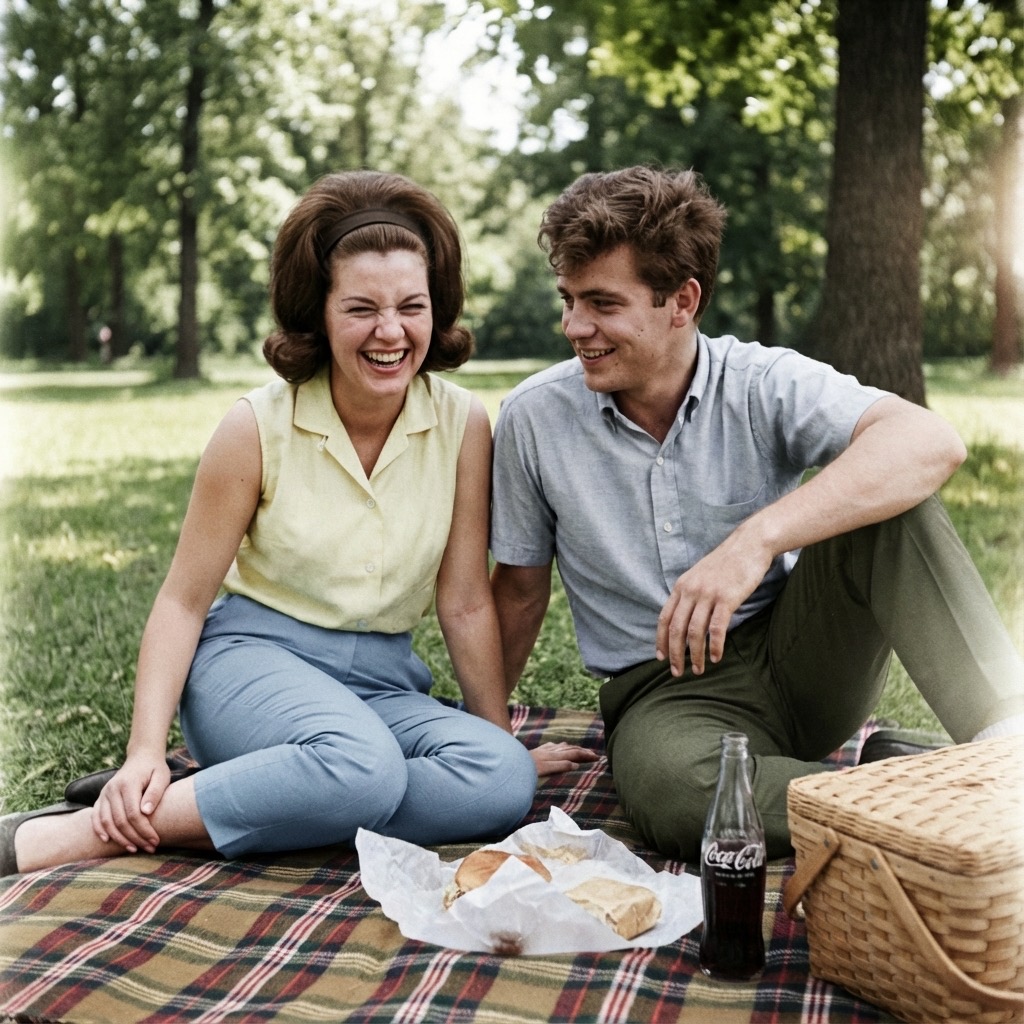
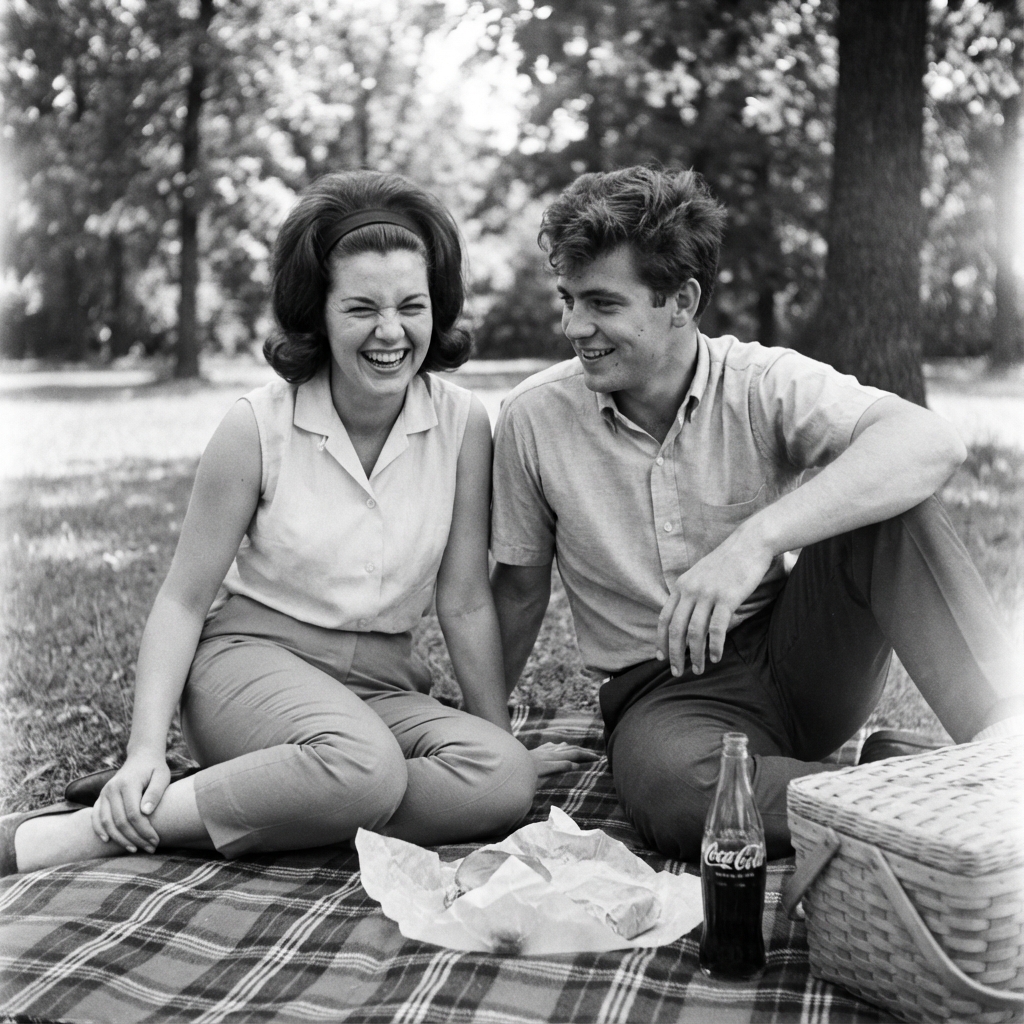
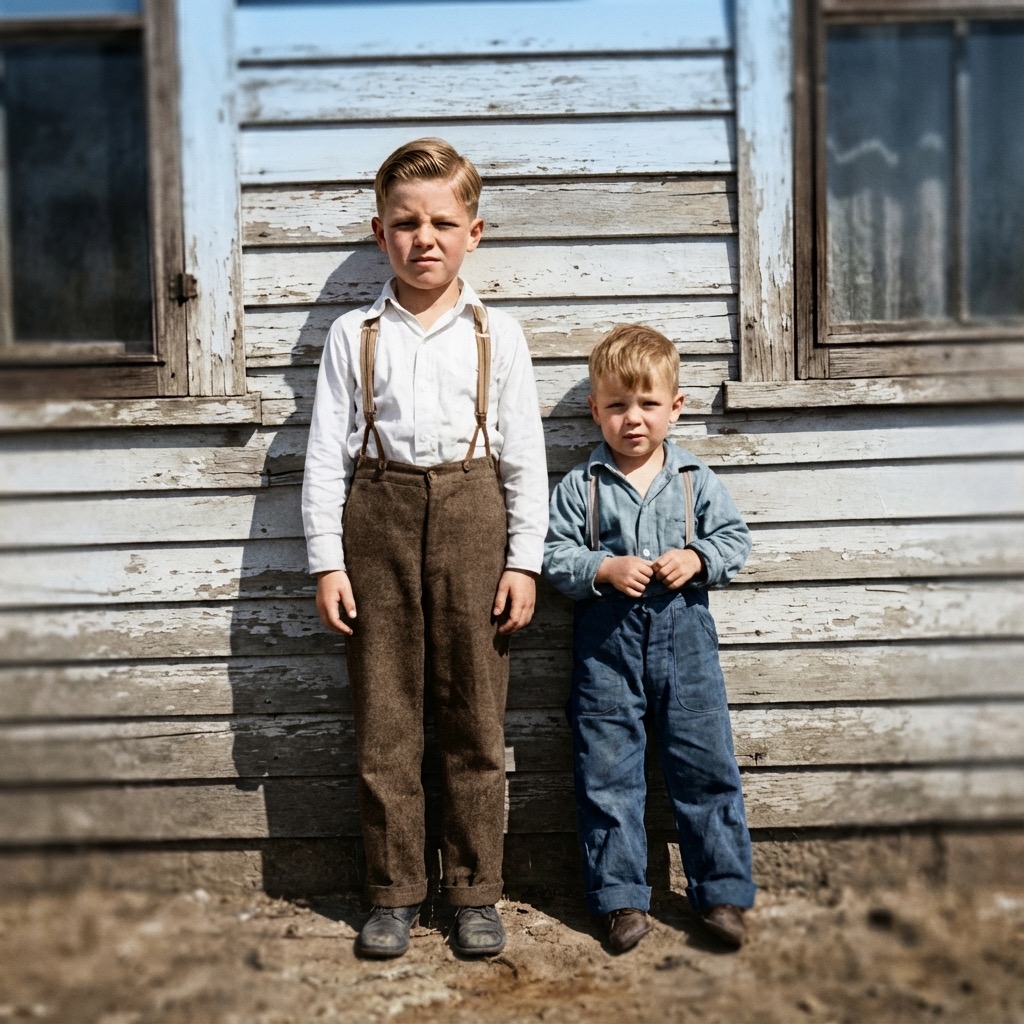
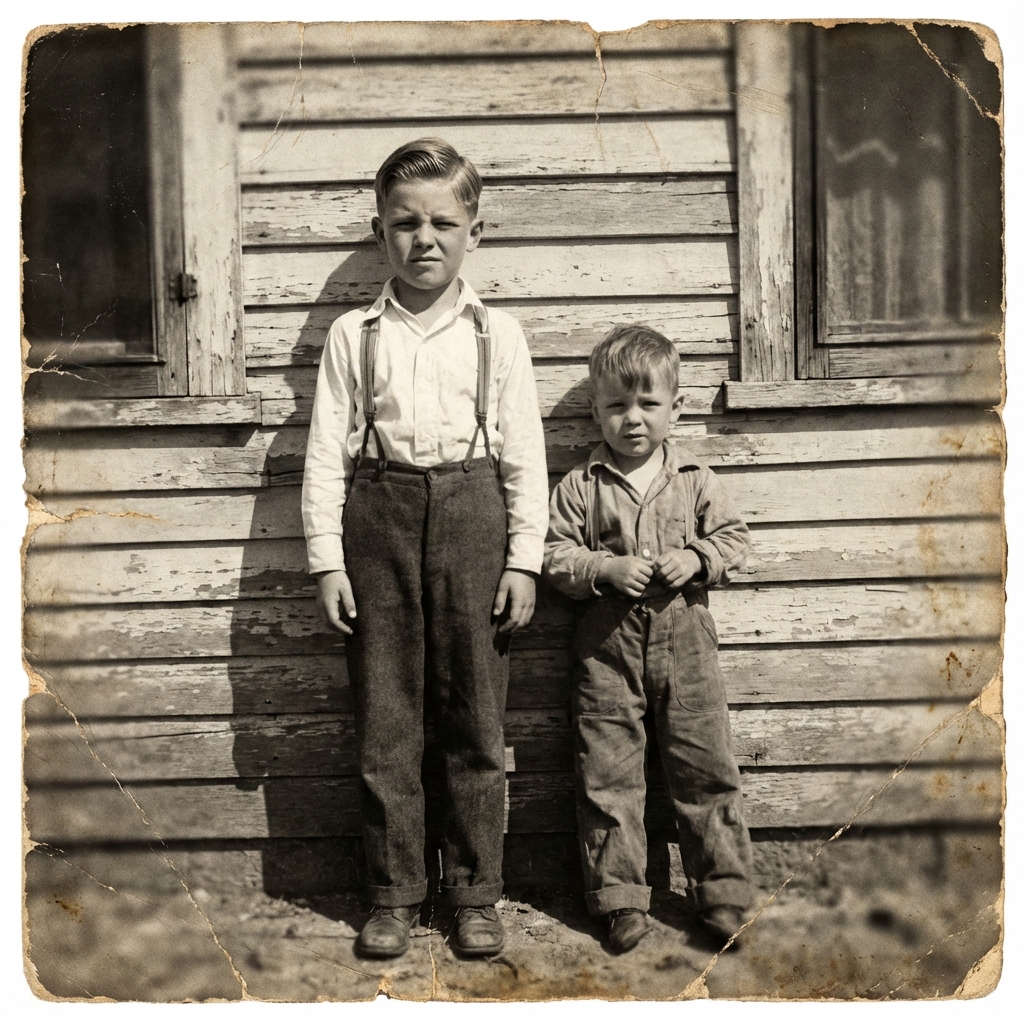
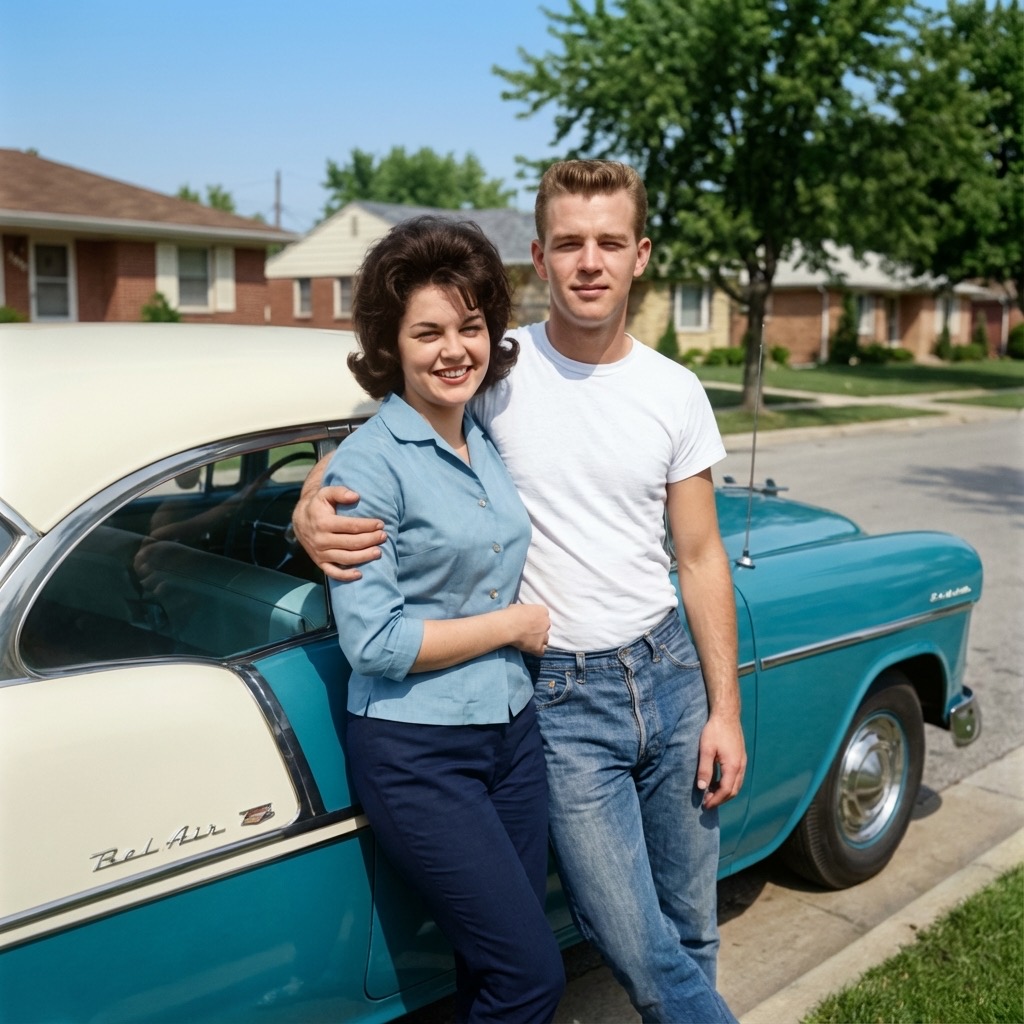
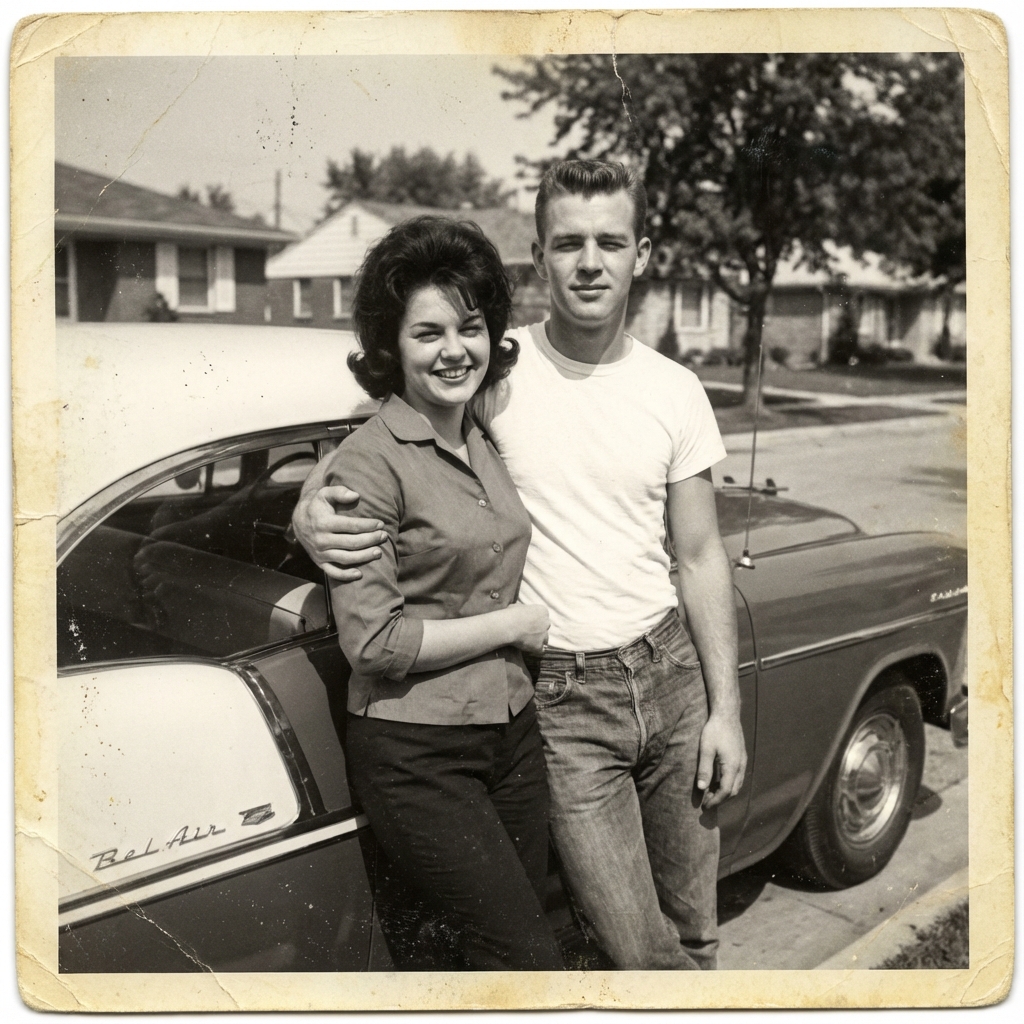
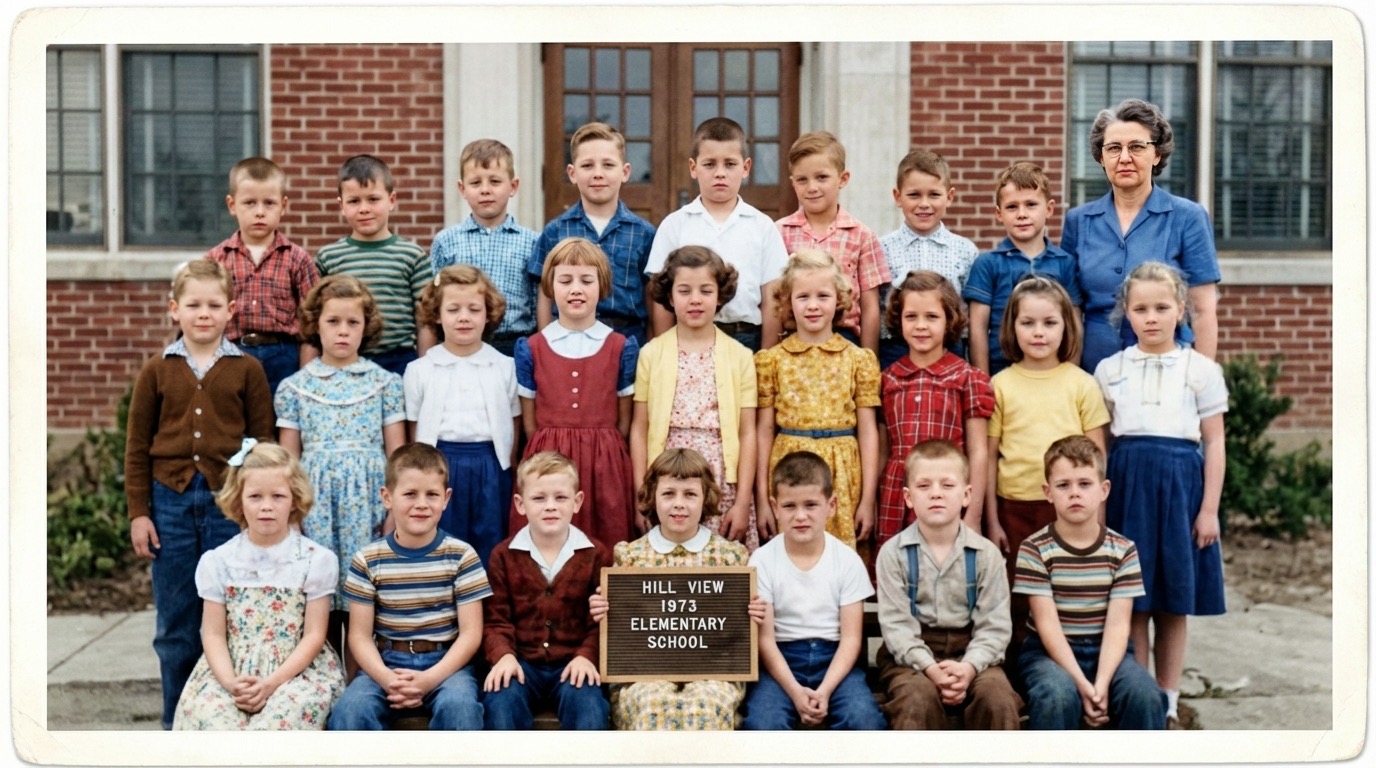
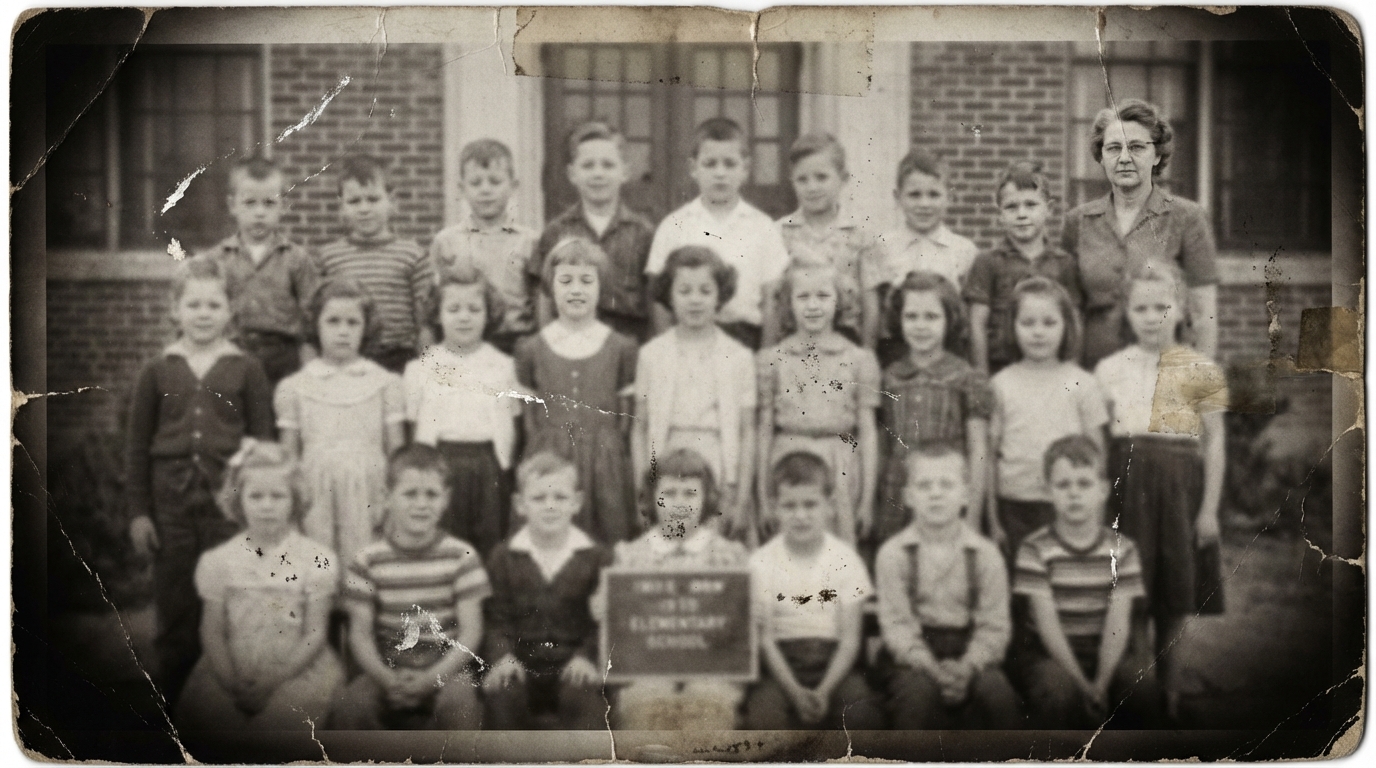
Your grandparents' wedding day. A great-grandparent you never met. Childhood moments frozen in faded gray. Give those irreplaceable family photos the color they deserve with AI-powered restoration.
How to Restore Old Photos
Three simple steps to bring your old photos back to life.
Upload
Upload your black & white, sepia, or faded photo. We support JPG, PNG, and WebP.
AI Colorizes
Our AI analyzes your photo and applies natural, realistic color in seconds.
Download
Download your restored photo in high resolution, ready to print or share.
Why TintBack for Old Photo Restoration
High Quality Results
Our AI produces natural, realistic colors that make old photos feel alive again. Skin tones, landscapes, and fabrics all look authentic.
Ready in Seconds
No waiting days for a professional editor. Upload your photo and get your colorized result in seconds, not hours.
Your Privacy Matters
Your family photos are private. Only you can see them, and you can delete them from our servers at any time.
Print-Ready 4K Upscale
Use upscale mode to produce high-resolution output perfect for framing, photo books, or large prints.
Simple, Transparent Pricing
Start with 2 free credits. No subscription required.
Old Photo Restoration FAQ
Can I restore a faded or damaged photo?
What types of old photos work best?
How do I digitize old printed photos?
Is my photo kept private?
Start Restoring Your Family Photos Today
2 free credits, no credit card required.
Start with Two Free Photos No credit card required